
Introducing Zoom: An Easy Remote Conference Solution
 The past week or two I have been looking for a user-friendly video conferencing app. I settled on ZOOM after trying it out on a number of family, friends, and clients. I have been very happy with how easy it is to install and use.
Zoom works on just about any sort of machine: Windows, Mac, IOS. You’ll want a decent screen (to see my lovely face) and good sound (to hear my dulcet tones).
You may want to go to www.zoom.us and download a free version. It’s a great way to stay in touch with friends and family (especially in these rather difficult times).
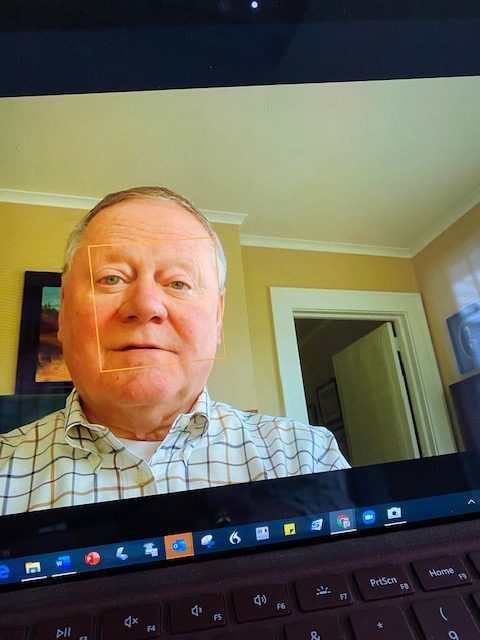
Talk to me!
When we schedule an appointment, we will send you an email invitation. The email will have a number of links to walk you through installation if you don’t have it installed already. It wouldn’t hurt to install Zoom ahead of time and test the audio and video (it will walk you through each of those steps).